DaVinci Resolve's latest major update introduces the Photo page (beta).
There is little reason to purchase Stillmate at the moment.
Please treat this site as a curiosity — a project someone once built.
We'll get in touch if Stillmate is updated in light of the latest DaVinci Resolve release.
A familiar UI, a new color.
Stillmate is an application that makes photo developing comfortable in DaVinci Resolve Studio®.
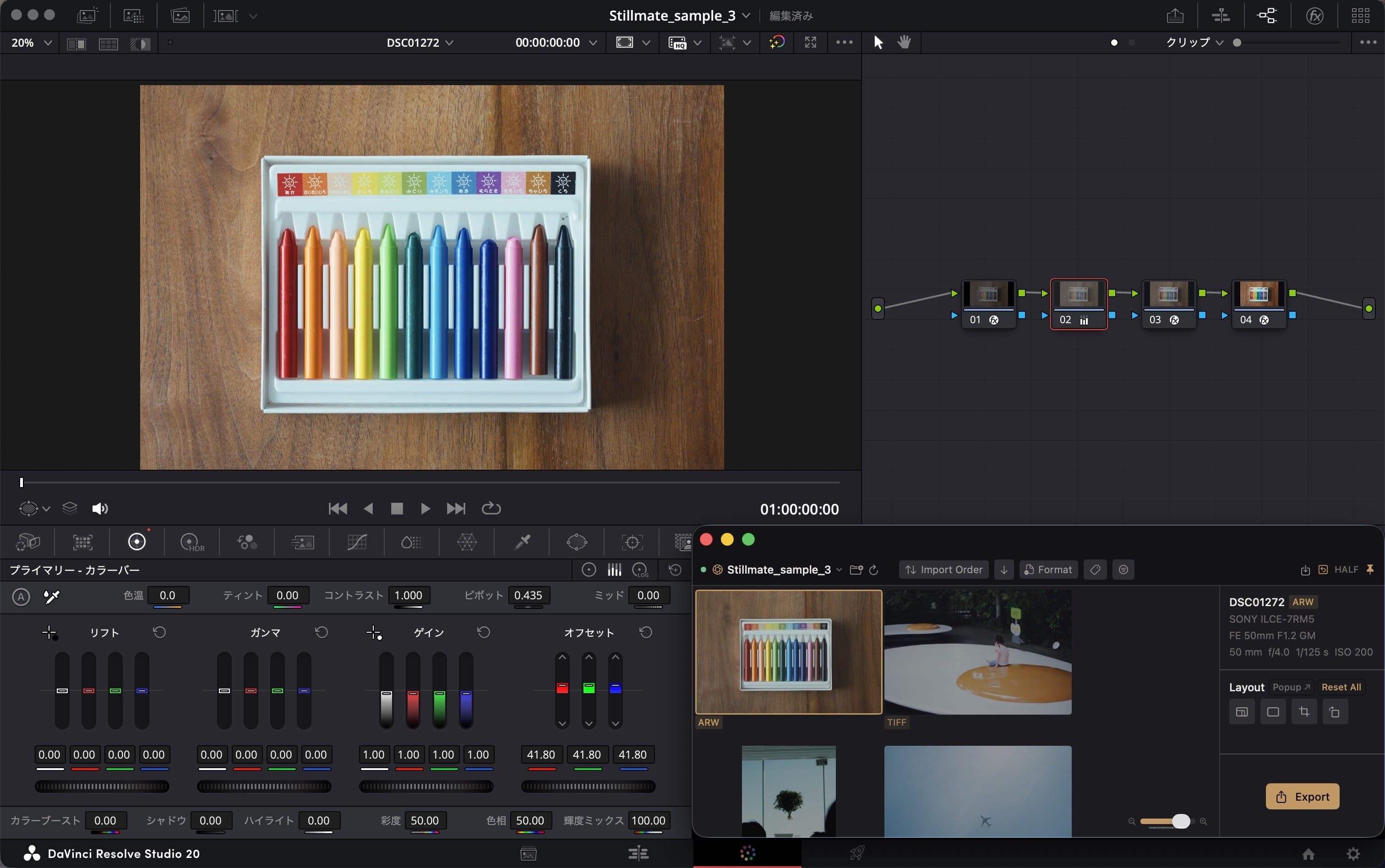
Easy Developing for Everyone
Photo import, aspect ratio changes, cropping, export... Stillmate helps with every step of photo developing. No more jumping between the Timeline and Deliver pages.
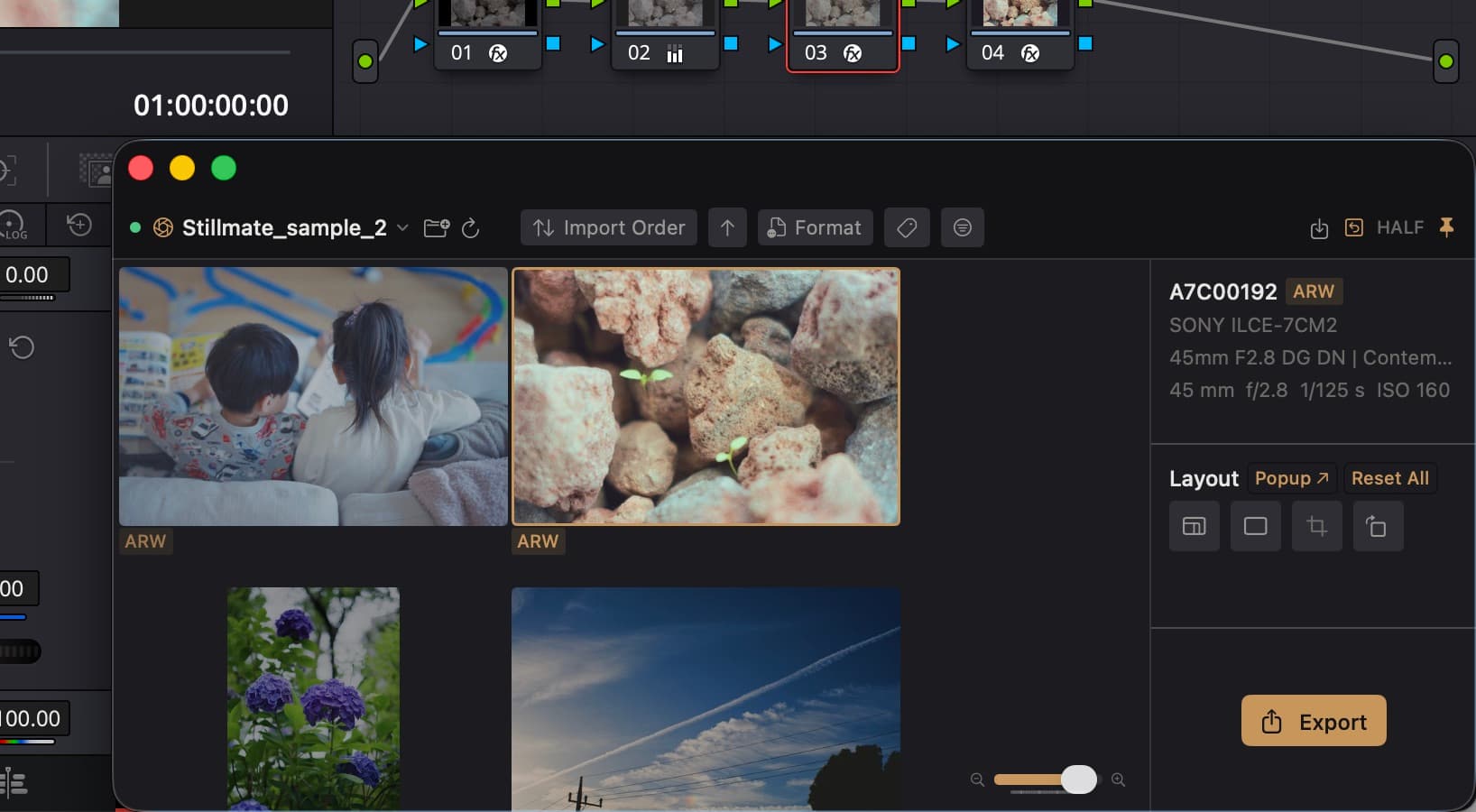
Wide Format Support
Files that need conversion are auto-converted to wide-gamut TIFF.Native support: .ARW .NEF .DNG .JPG .TIFFTIFF conversion: .RAF .ORF .RW2 Apple ProRAW(DNG)
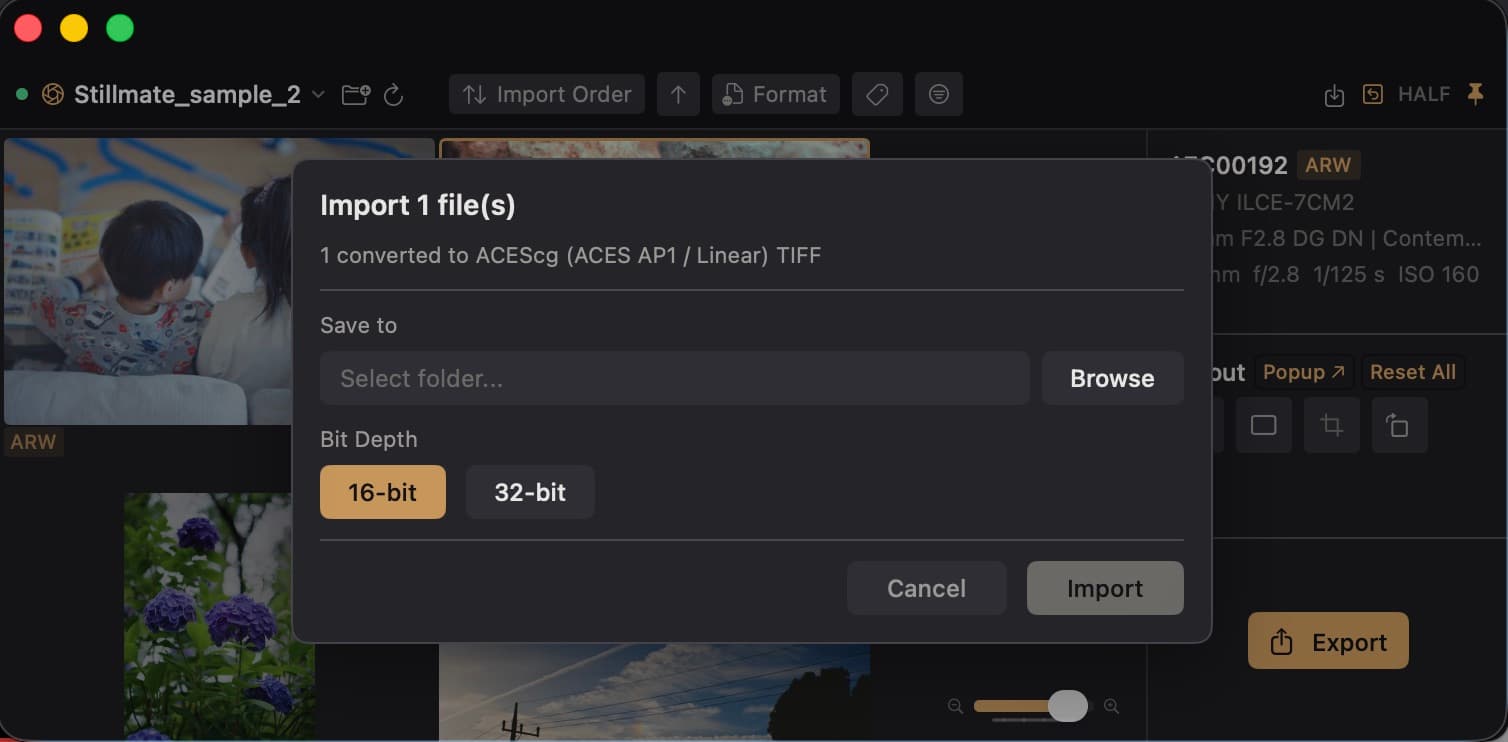
Enjoy Creator Colors
With Stillmate, developing in DaVinci Resolve Studio® becomes even more comfortable. Enjoy the PowerGrades and DCTLs made by creators.
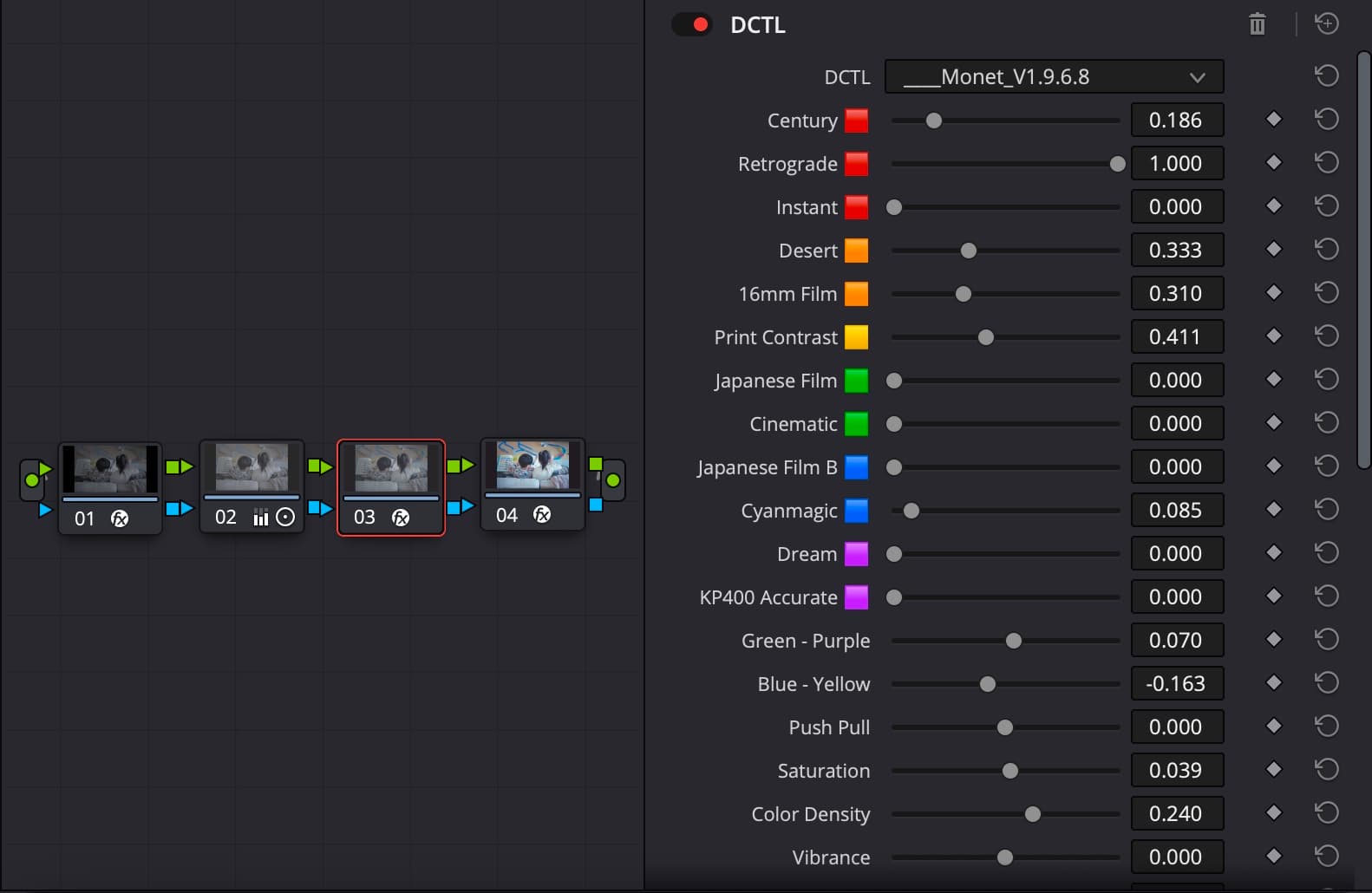
Monet Grading System
Images are from the development version and may differ from the final product
Pickup Products

Monet Grading System
(The product currently available at the link is the pre-DCTL version.) A grading system designed with the unique philosophy of "mixing 12 colors to reproduce any look." Now as a DCTL, it offers a lighter and more intuitive grading experience.
Learn more →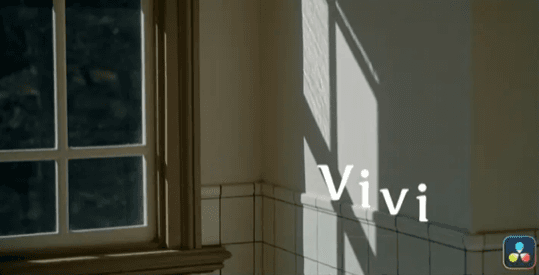
Vivi
A PowerGrade featuring Color Slice, which handles saturation naturally through subtractive color mixing. It creates unique colors based entirely on the source material, unlike typical reproduction looks.
Learn more →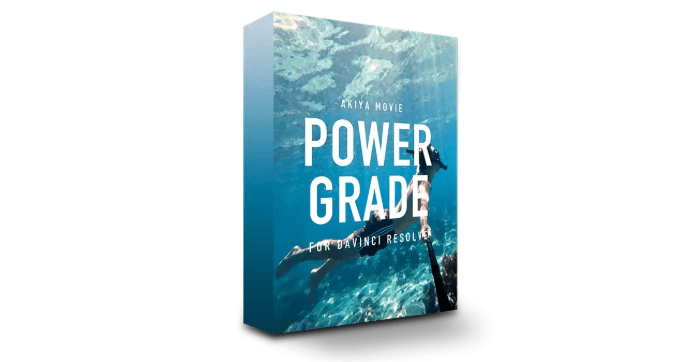
Aesthetic Color
A PowerGrade that brings out the "aesthetic" colors inherent in your footage. Offers customizable LUTs with white balance, contrast, saturation, and skin tone correction.
Learn more →Simple Workflow
Photo Import
Just drag & drop your photos. Stillmate automatically creates a timeline for you.
Grid View
A grid view just like a photo editing app. Tagging and filtering included.
Wide Format Support
Files that need conversion are auto-converted to TIFF.Native: .ARW .NEF .DNG .JPG .TIFFTIFF conversion: .RAF .ORF .RW2 Apple ProRAW(DNG)
Rich Cropping Tools
Aspect ratio, cropping, orientation swap — all the tools you need for photo developing.
Comfortable Export
When you're done developing, just hit the export button. Batch export is also supported.
Ongoing Updates
We do our best to accommodate your requests. Reach out to us on X.
Tutorial(English subtitles available)
FAQ
- Does it work with the free version of DaVinci Resolve?
- No. The paid version, DaVinci Resolve Studio, is required.
- What OS and versions are supported?
- macOS 26.0 or later. Tested with DaVinci Resolve ver.20. (Versions below 20 may differ in native format support, so we recommend updating to the latest version.)
- What languages are supported?
- The application is primarily built in English. The terminology used is familiar to photography enthusiasts, so Japanese-speaking users can use it comfortably as well.
- What are the TIFF conversion specs?
- Converts to ACEScg (AP1/Linear). Supports 16-bit and 32-bit float. If using your own grading system, please apply a color space transform via a node.
- Operations feel slow
- Due to performance limitations on the DaVinci Resolve side, some operations in Stillmate may feel slow (especially with a large number of nodes). Please verify this during the trial period. Note that DCTL operations tend to be relatively lightweight.
- Changing the photo aspect ratio causes the DaVinci Resolve UI to break
- Go to DaVinci Resolve Preferences → User → UI Settings, and uncheck "Use UI layout optimized for vertical video."
- Does it support video files?
- Not currently. We may consider adding support if there is sufficient demand.
- Do you have XXX feature? / I found a bug
- Please contact us via X or takumarublog@gmail.com and we'll do our best to help. You can update the app anytime from the update button in the application menu.
- Is there a monthly fee?
- No. It's a one-time license purchase.
- Can I get a refund?
- As a digital product, refunds are not accepted except in the case of critical errors. Please contact us via X or takumarublog@gmail.com first. If the issue cannot be resolved through an update, we will process a refund. A 3-day trial is available, so please verify that it works on your setup before purchasing a license.
- Can I get a receipt?
- A receipt is issued by Stripe and sent to the email address provided at checkout.
- Can I try the trial again?
- We plan to periodically reset the trial period so you can try it again.